AI Product Videos From One Photo: 3 Templates for Small Shops
Turn a single product photo into a 5-second vertical ad: cinematic close-up, soft light reveal or a Christmas scene. Real before/after examples and photo tips.
Video sells better than still photos on TikTok Shop, Instagram and Shopify, but a product shoot with a camera operator and lights is out of budget for most small sellers. A photo you already have can do a lot of the work.
VecFrame has three product templates. Each takes one product photo and returns a 5-second, 1080p, 9:16 video with sound for 20 credits.
1. Cinematic Product Close-up
A slow camera push brings the product into a hero close-up. It's the most neutral of the three, so it fits almost any product: mugs, bottles, gadgets, cosmetics.
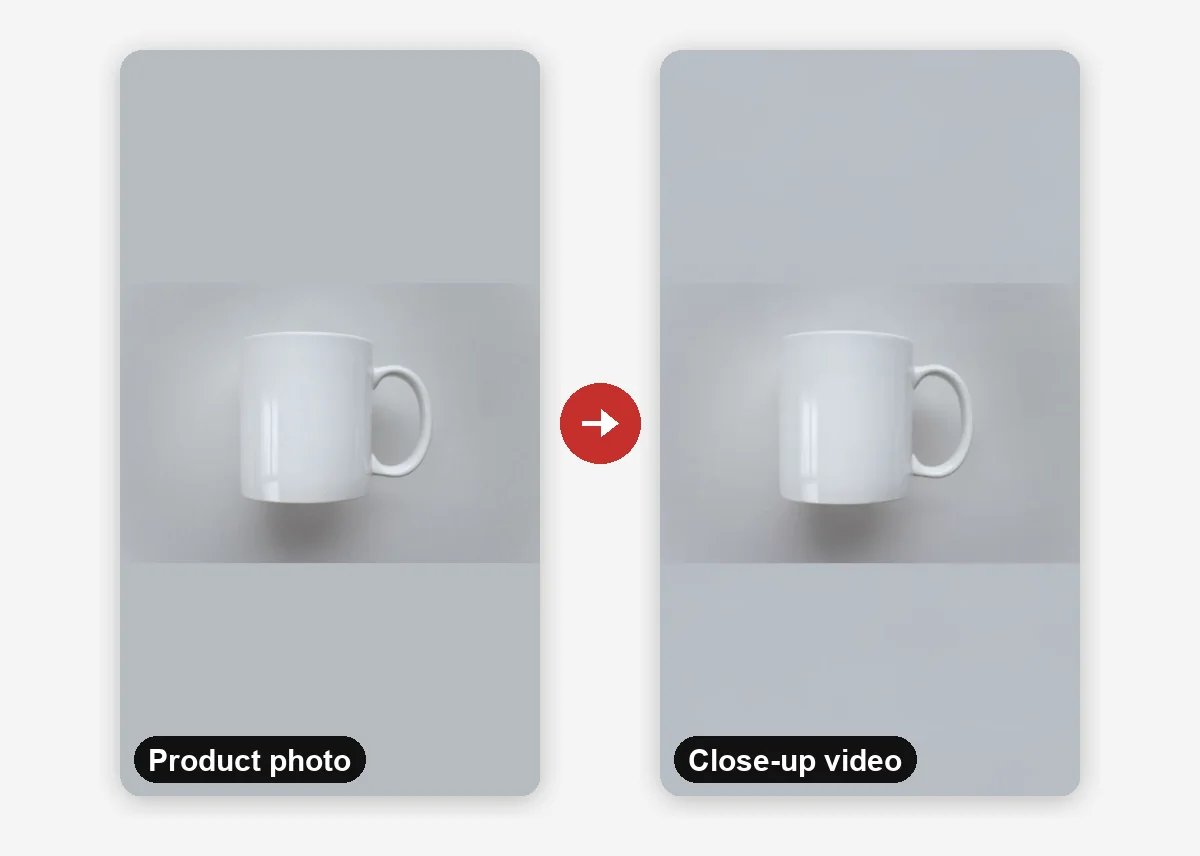
Make it: Cinematic Product Close-up
2. Soft Light Product Reveal
A soft, moving highlight sweeps across the product in a clean studio shot. It looks great on natural, handmade and beauty products.
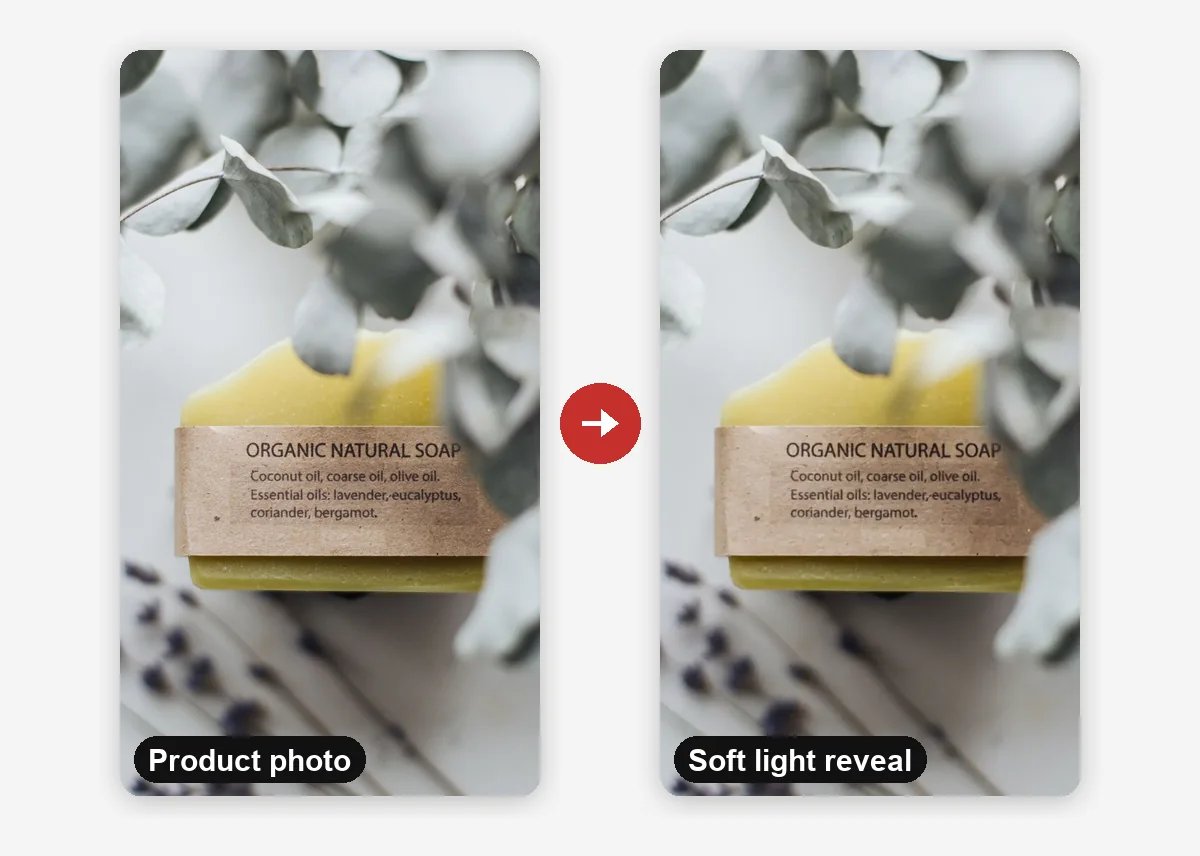
Make it: Soft Light Product Reveal
3. AI Christmas Product Ad
Your product drops into a cosy Christmas commercial with snow, lights and gift boxes. Use it for holiday campaigns, gift guides and seasonal product pages.
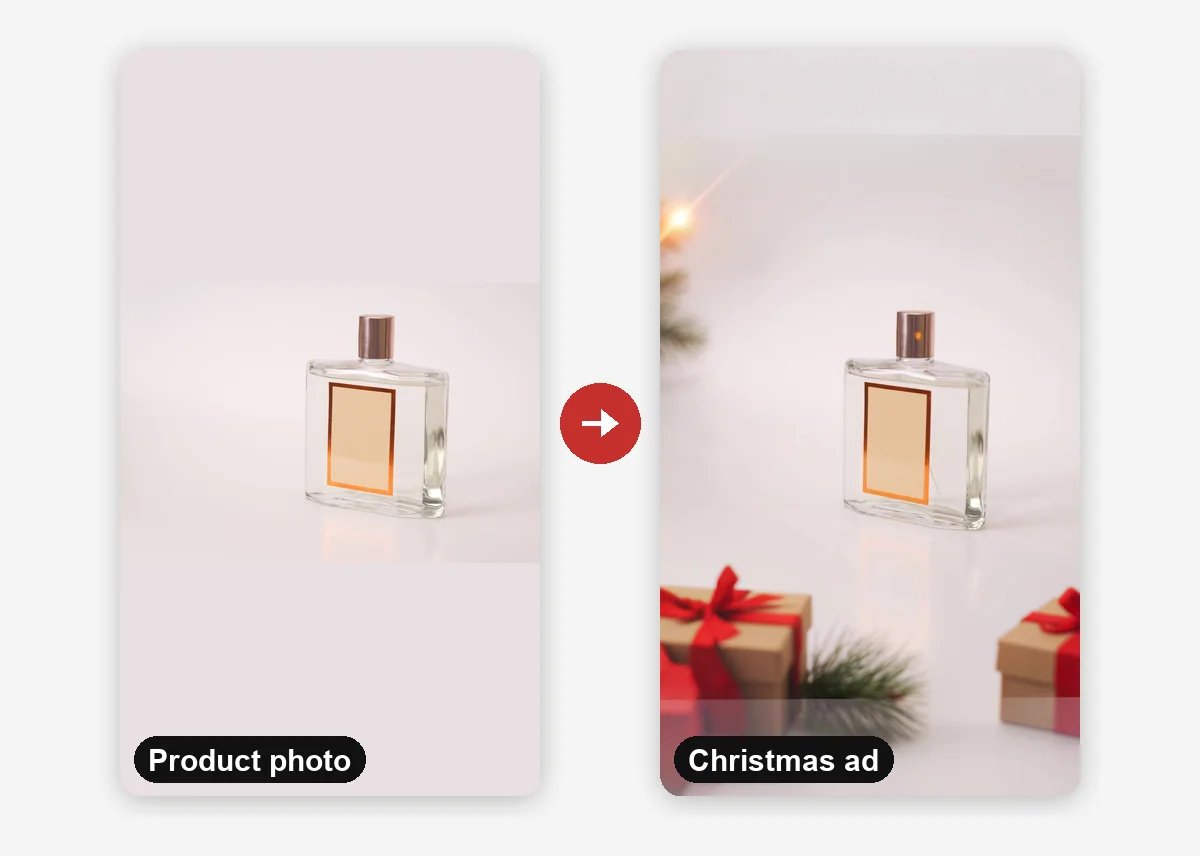
Make it: AI Christmas Product Ad · Holiday guide: Christmas product video with AI
Which one should you pick?
| You want… | Template |
|---|---|
| A versatile hero shot for any product | Cinematic Close-up |
| A clean, premium studio look | Soft Light Reveal |
| A seasonal / gift campaign | Christmas Product Ad |
Since each costs 20 credits, many sellers make all three from the same photo and test which one performs best.
How to shoot (or pick) the product photo
The templates keep your product's shape and colour from the photo, so the input decides the result:
- Exactly 9:16 vertical, e.g. 1080×1920, JPG or PNG under 10 MB
- One product, centred and fully visible, nothing cut off
- Clean, simple background and even light
- Plain labels work best. Fine print and small text may change in the video, so avoid relying on readable text.
Phone tip: put the product on a sheet of white paper near a window, shoot in portrait mode, and crop to 9:16.
For more on photos, read which photo works best for AI video.
Need a different scene?
Templates are tested looks with a fixed style. If you want a specific scene ("the bottle on a wet rock at sunset"), use image to video in the studio: upload the product photo and describe the motion. Our guide to text to video vs image to video explains how to prompt it.
FAQ
How much does an AI product video cost?
Each of the three product templates costs 20 credits for a 5-second 1080p video. Credit packs are on the pricing page.
Can I use the video in ads?
Commercial use depends on the rights to your photo and any brand material in it. Paying credits doesn't grant third-party rights; see the Terms of Service.
Will the text on my label stay readable?
Not reliably. Fine print may change, so plain or simple labels are recommended.
Do I need to write a prompt?
No. Each template supplies the motion and look; you only add the photo and confirm the price.