Text to Video vs Image to Video: Which to Use, and How to Write Better Prompts
When to describe a video in words, when to start from a photo, and when a ready-made template is the better choice. Prompt formula, examples and costs.
AI video tools offer two main ways to start: text to video (describe the shot in words) and image to video (upload a photo and describe how it should move). There's also a third option many people skip: a template, where the scene is already designed and tested.
Here's how to choose, and how to write prompts that get you what you pictured.
The short answer
| You want to… | Use |
|---|---|
| Invent a scene that doesn't exist | Text to video |
| Animate a specific person, pet or product | Image to video |
| Recreate a trending effect with your own photo | A template |
Text to video
You write what the camera sees, and the model creates everything: subject, setting, light and motion.
Good for: concept shots, B-roll, backgrounds, storyboards, anything that doesn't need a specific real-world face or product.
Weak at: keeping an exact identity. "A man with grey hair and round glasses" will be a man like that, not a specific one.
Image to video
You upload a photo as the starting frame and describe the motion. The model keeps what's in the photo (face, product, colours) and animates it.
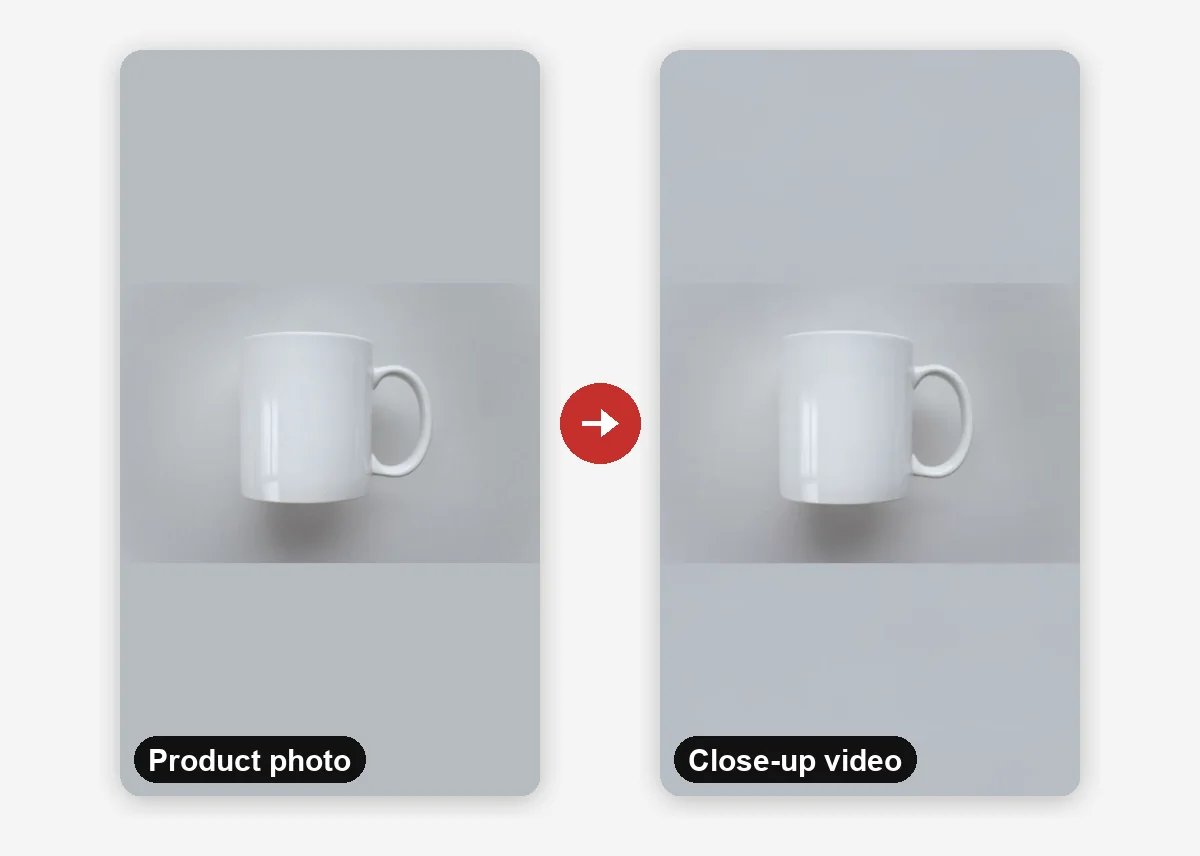
Image to video keeps your subject: here a plain mug becomes a slow close-up.
Good for: product shots, bringing a portrait or pet photo to life, keeping brand colours and shapes.
Tip: some models also accept an end frame, so you can set where the shot ends as well as where it begins.
Templates: when you don't want to prompt at all
Trending effects such as the Bad Times dog dance or Tiny Desk AI need a specific scene, choreography and camera path. Getting that from a prompt can take many attempts. A template has those already tested: you add a photo, see the price and confirm.
Browse them on the homepage or in the template gallery.
A prompt formula that works
Write prompts like a shot description, in this order:
Subject + action + setting + camera + light + style
Example (text to video):
A golden retriever puppy chasing soap bubbles across a sunny backyard lawn, low tracking shot at the puppy's eye level, warm late-afternoon light, shallow depth of field, natural colours.
Example (image to video, with a product photo):
Slow dolly-in toward the mug, steam gently rising, soft morning window light moving across the table, camera stops on a close-up of the handle.
Prompt tips
- One shot, one action. Five to ten seconds can't hold a whole story. Describe one moment.
- Name the camera move: dolly-in, pan left, orbit, static tripod shot, handheld.
- Describe light: soft window light, neon, golden hour, studio softbox.
- For image to video, describe motion, not appearance. The photo already defines how things look.
- Avoid on-screen text. Small text in AI video often comes out garbled.
Choosing a model, length and size in the studio
The video studio lets you pick from several models, including Seedance, Wan, Kling, Hailuo and MiniMax, each with its own strengths, durations and resolutions. You choose:
- Duration: 5 or 10 seconds (depending on the model)
- Resolution: 480p, 720p or 1080p
- Aspect ratio: 16:9 for YouTube, 9:16 for TikTok/Reels/Shorts, 1:1 for feeds
Not every model supports every mode or setting. When you switch models, the studio keeps your settings within what that model allows.
What it costs
The price depends on the model, duration and resolution, and it updates next to the Generate button as you change settings, so you always see it before you generate. Credits are taken when the task starts and returned if the generation fails. Template videos have a fixed price per template (for example 20 credits for a product template). See pricing for credit packs, or read how much an AI video costs.
FAQ
Is image to video better than text to video?
Neither is better; they do different jobs. Use image to video when a specific subject must stay recognisable, and text to video when you're inventing the scene.
Do I need an account to try the studio?
You can set everything up without one. Sign-in happens when you press Generate, and your prompt and settings are kept.
How long does a video take?
It depends on the model and duration. The task keeps running if you leave the page and shows up in My creations.
Can I use the videos commercially?
That depends on the model terms and the rights to the photos and material you upload. Paying credits doesn't grant third-party rights.
Where can I find photo tips for image to video?
Read which photo works best for AI video. The same rules apply in the studio.