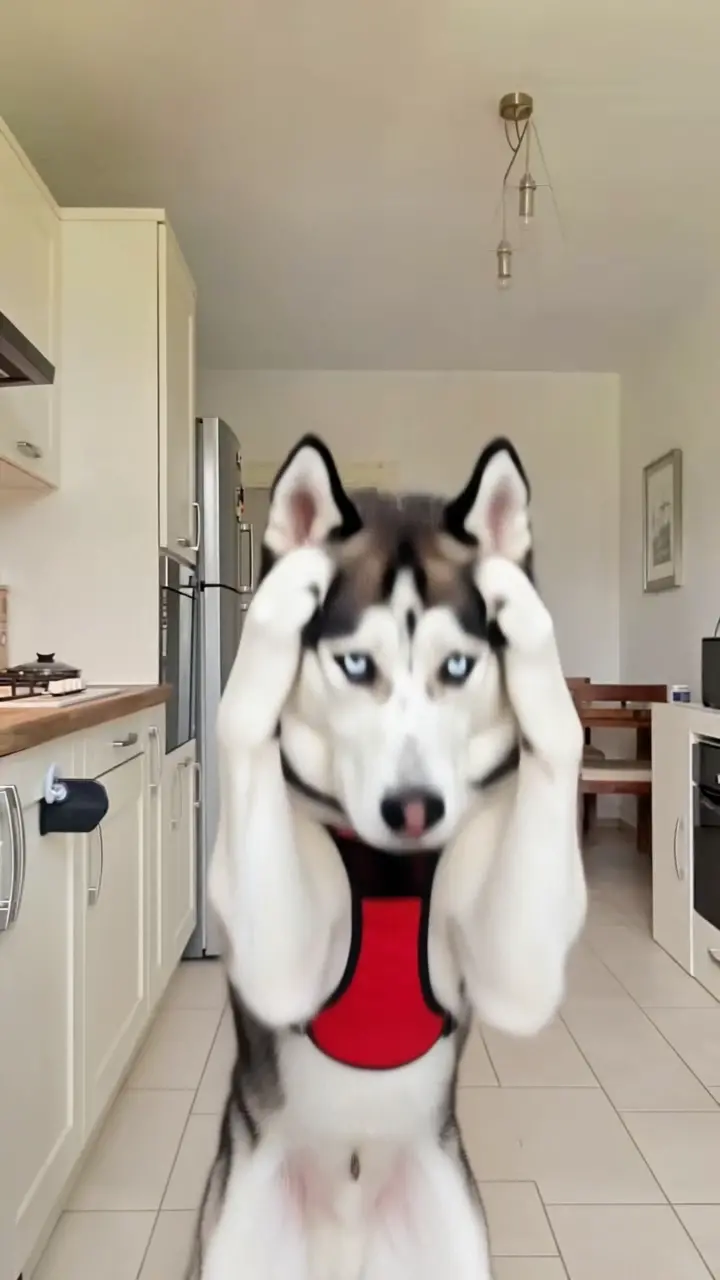


Three steps
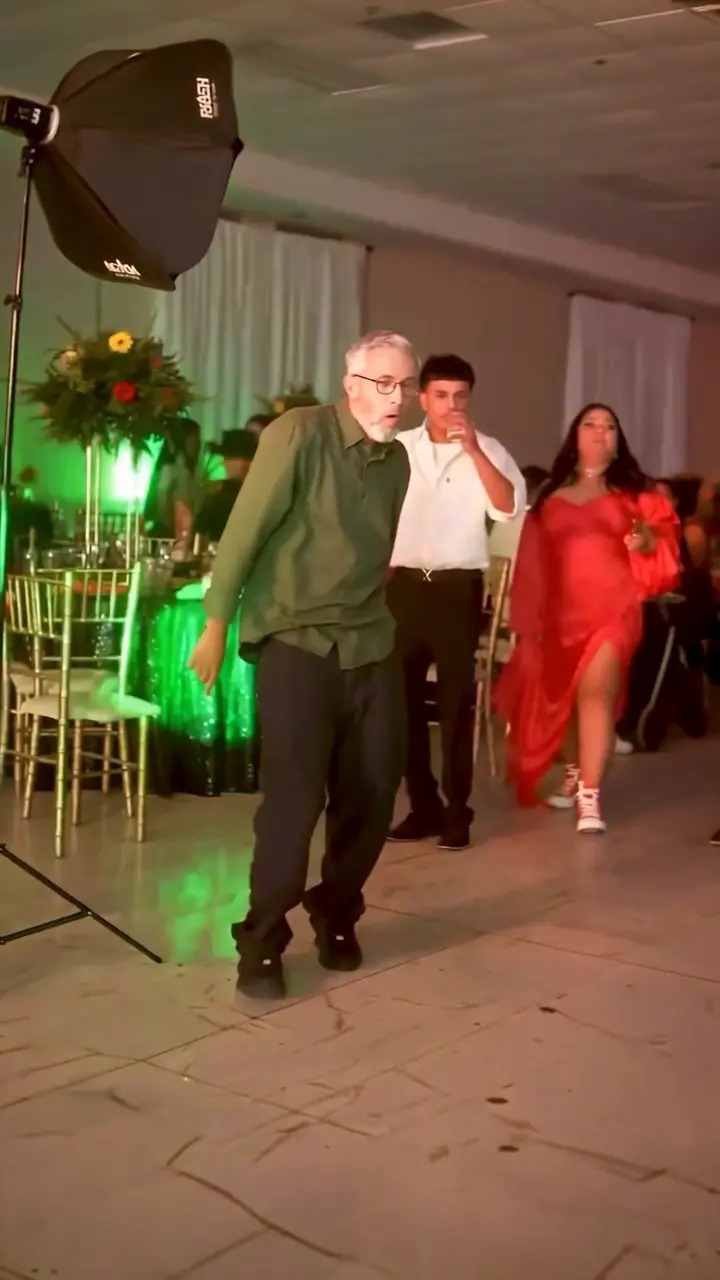
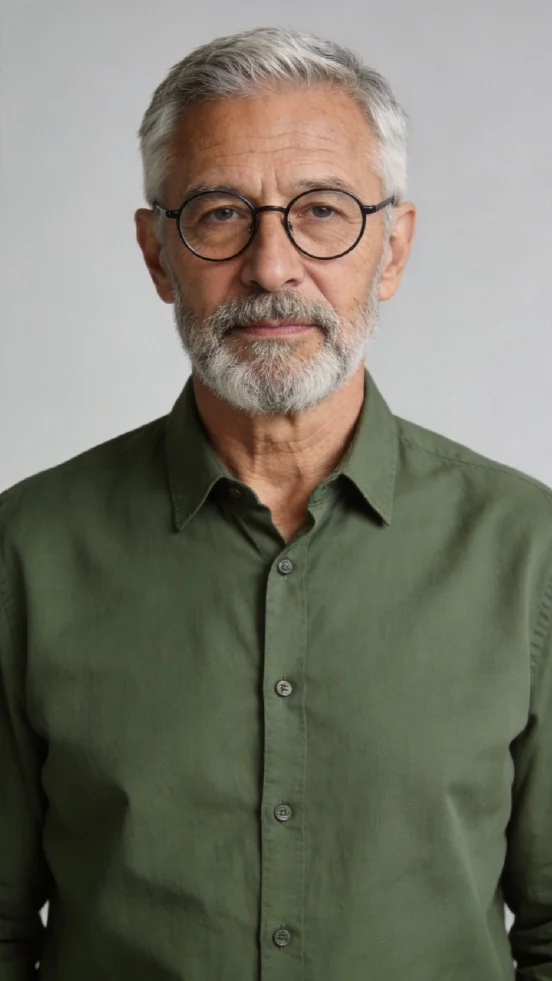
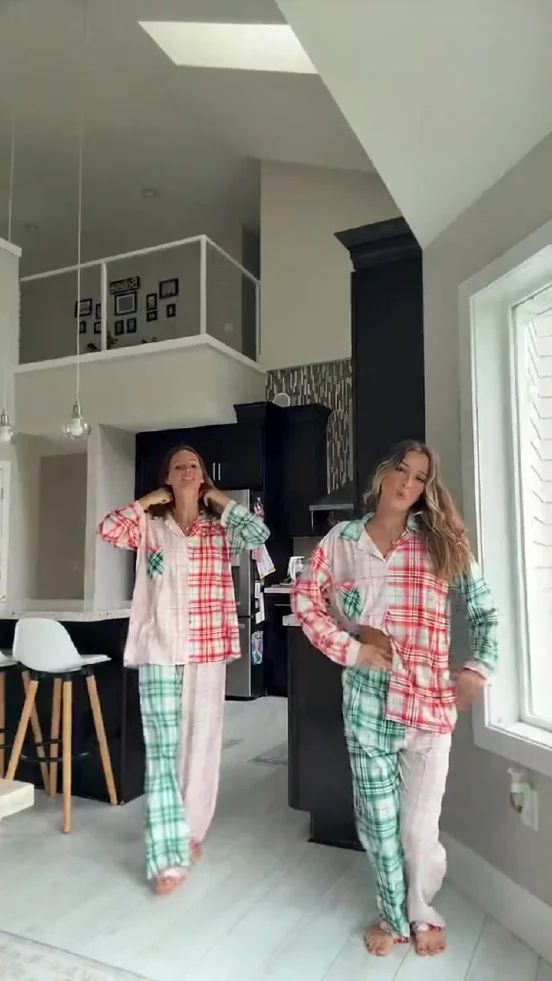
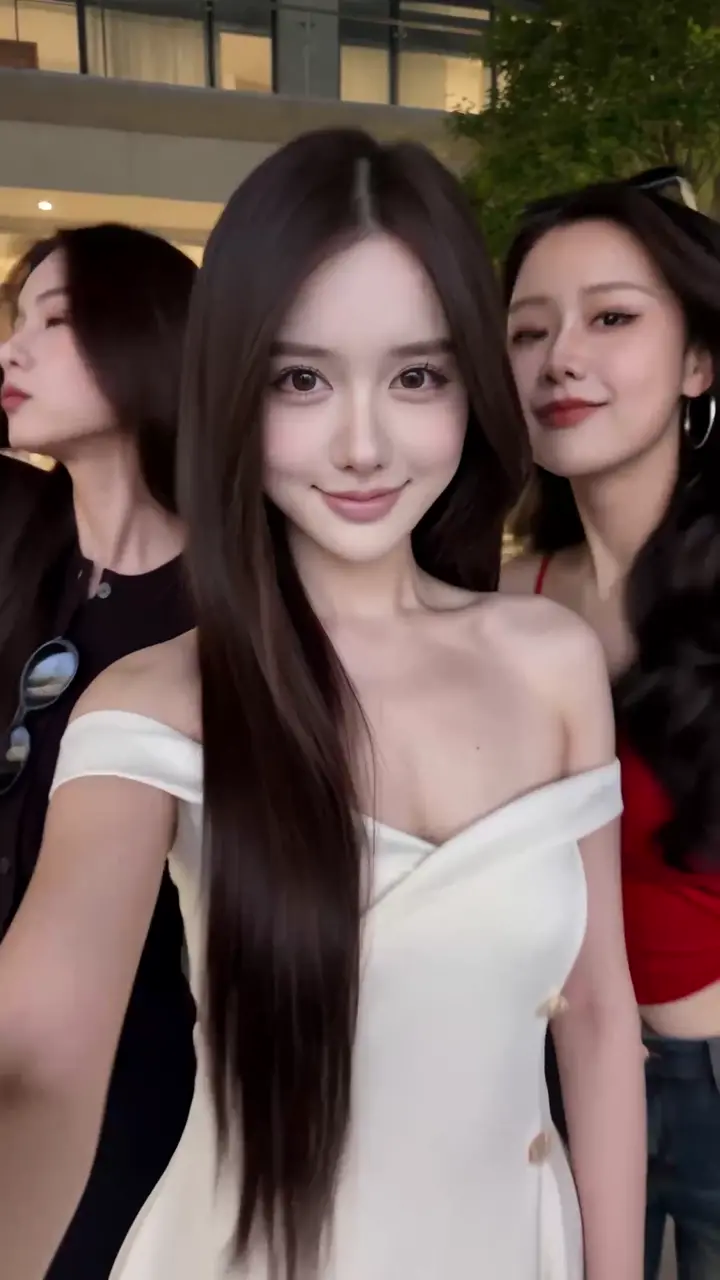
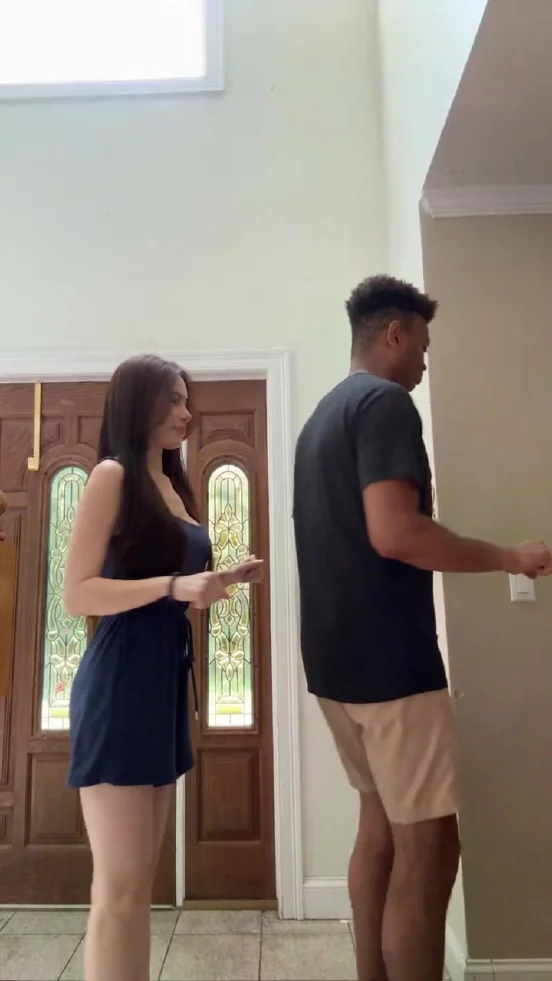
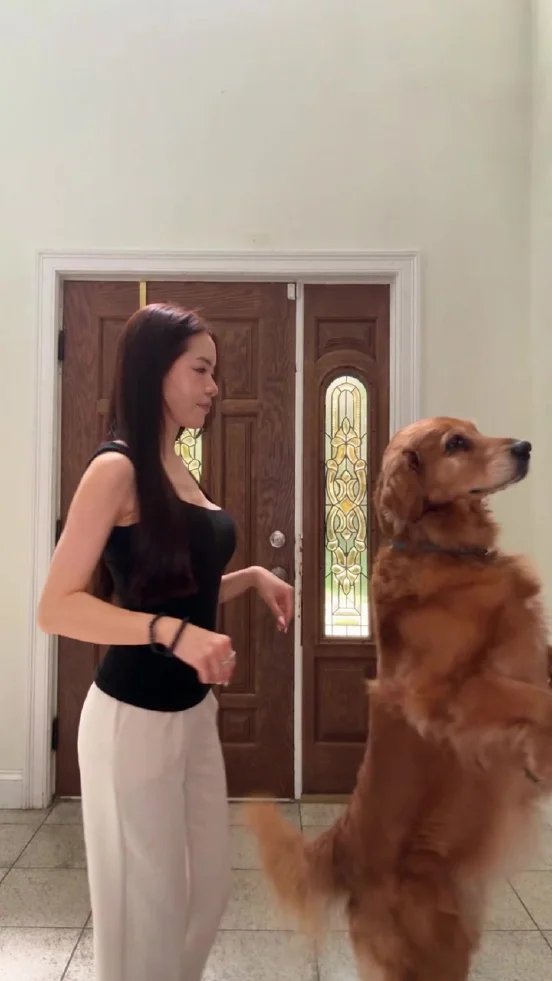
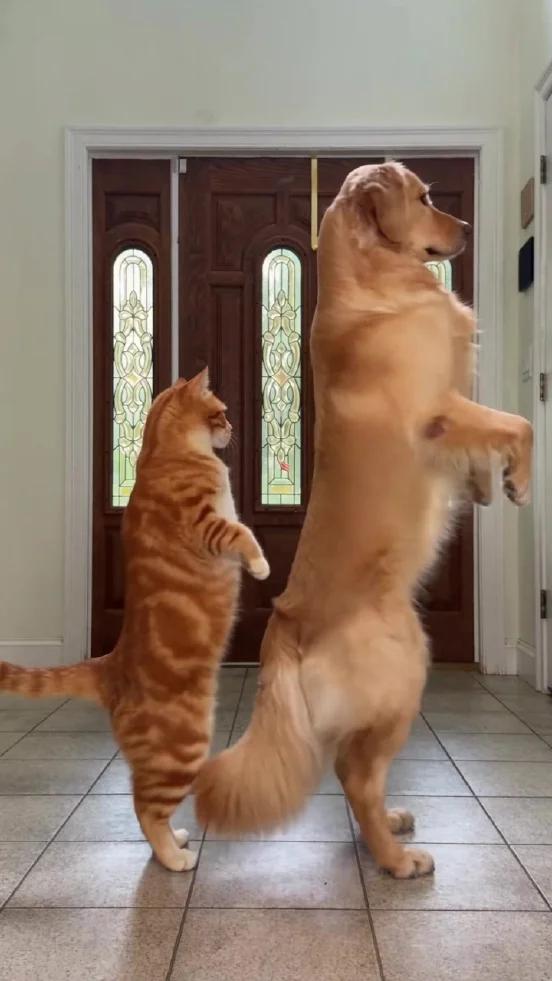
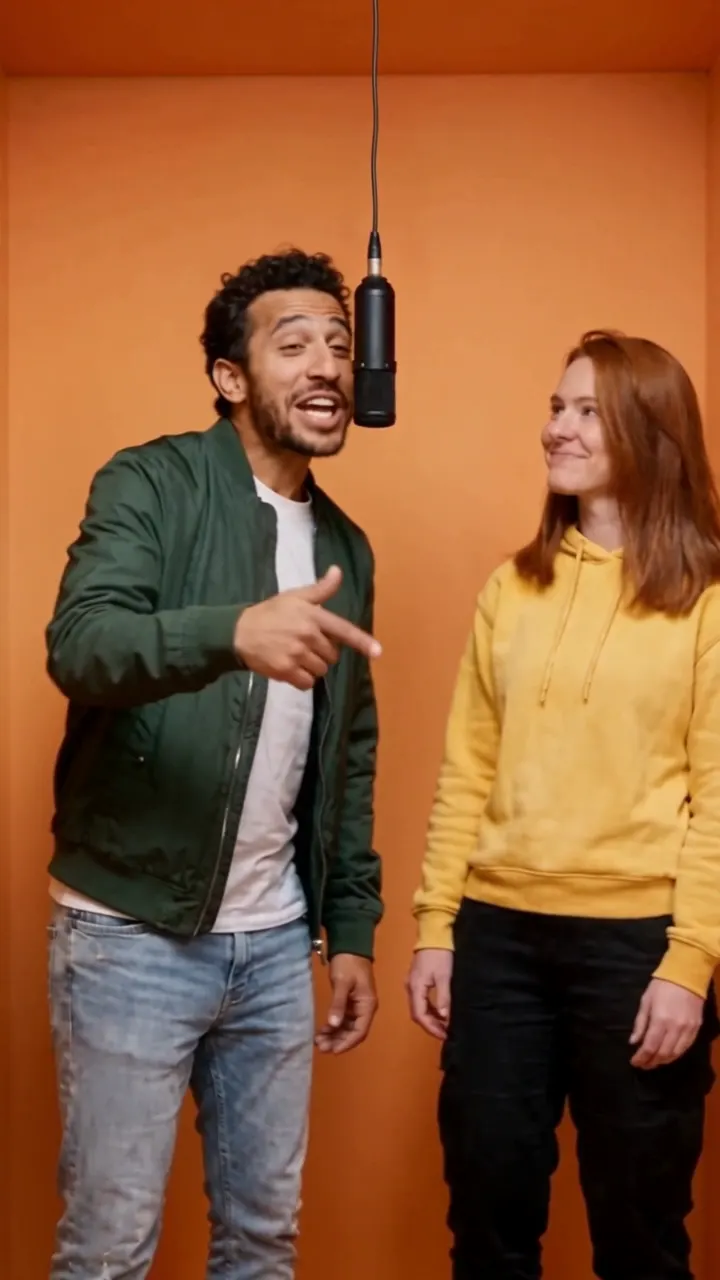
Choose the effect you want to recreate.
Upload your own material that fits the template.
See the cost before anything is charged, then confirm to generate.
Pricing
Start with a small pack, or subscribe if you create often.
Good to know
Choose a template and upload a suitable photo you have permission to use. Generate a free watermarked preview without signing in or entering an email. If you like the result, pay to unlock it, then confirm and verify the email from your payment to save your video and download the original.
No. Free previews use no credits. Review and confirm the quoted credit price before paid generation or unlocking a preview. A successfully paid generation does not need a second unlock payment.
Technical retries don't charge you again.
Your text and settings are kept, but you re-select your photo after signing in.
Video duration, aspect ratio, resolution and audio depend on the template and generation options. Review the displayed specifications before submitting. Free previews have a watermark; unlocking provides the existing master without our preview watermark.
Commercial use depends on the applicable model terms and the rights to your inputs, reference material and music. Paying or unlocking does not grant third-party rights. Follow the Terms of Service and retain any required music credits when you share a video.
Some templates are ready to try; others are marked "Coming soon" while we test them.
Start now
Browse the templates and start with your own photo.
Browse templates