VecFrame
All templates

Product in motion

A gentle camera move around your product, with its shape and label kept in focus.

Interactive prototype. Prices and effects are proposals; no payment or real video generation takes place.

Create a product video

One product photo. A little movement. A new way to show it.
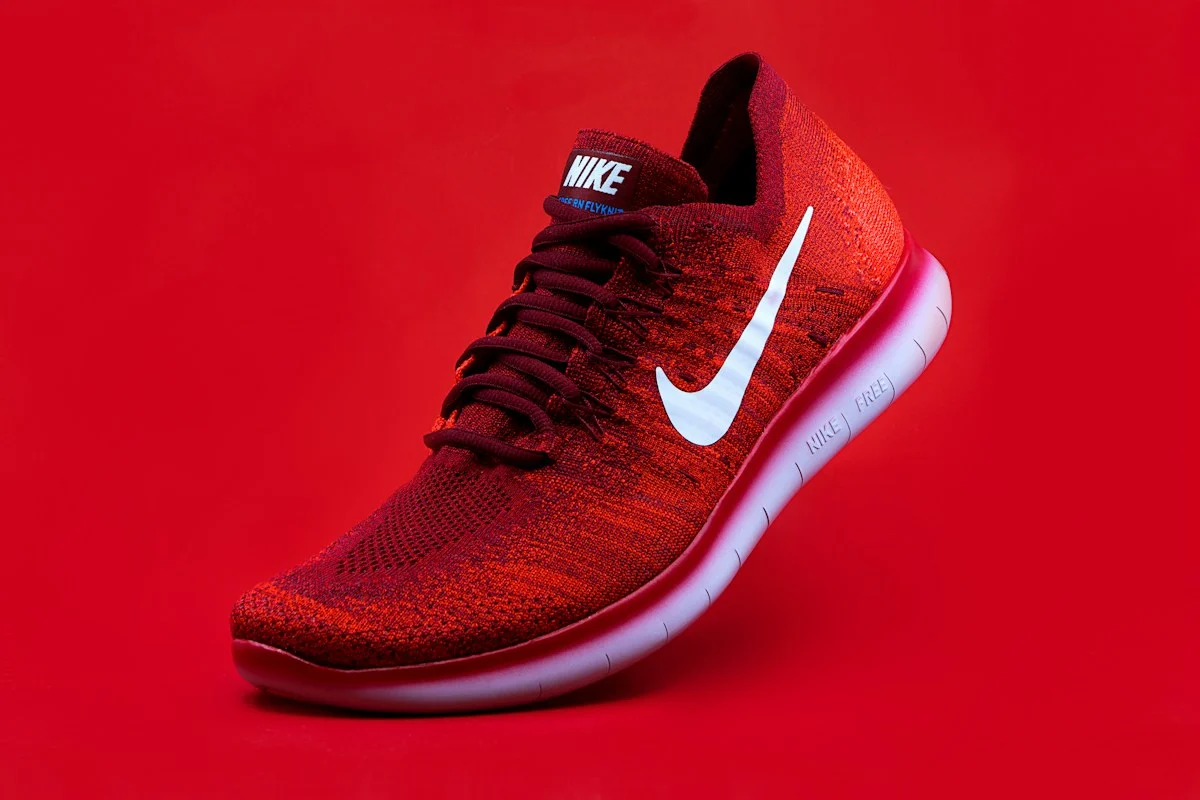
Interactive preview
Product image

JPG, PNG or WebP · up to 10 MB

Start with a clear subject and a little space around the edges.

Motion
Customize camera movement

Choosing a motion replaces the prompt below. Make it your own.

Format & framing

The full image stays visible. Empty edges may remain.

Preview specification

5 seconds · 720p · 1 result · no audio

Final model and output specifications will follow testing.

9:16 · Keep full image

5 seconds · 720p · 1 result · no audio

Preview allowance0 credits

Your text and settings will be saved. Re-select the image after sign-in.

Framing preview

9:16
Reference photo · not AI output

Your next steps

  1. 1Choose an image and motion
  2. 2Review the quote, then confirm
  3. 3Check the result and reuse settings

Recent previews

For this tab only. Real video history will live in My creations.

Your completed and failed previews will appear here.

Preview scenarios

These controls change the sample workflow only.

These controls change the demonstration only; no user profiling or analytics are recorded.

Image requirements & template details

What to prepare

One clear product photo · JPG, PNG or WebP · up to 10 MB

Before you start

Proposed: 5 seconds, 720p, no audio. Fine text and product geometry still need real model testing.

A real example is coming after testing

No verified output is available yet. The workspace previews your source image only.

What you'll get

Input
One photo
Format
Choose 9:16, 16:9 or 1:1
Duration
To be confirmed
Audio
To be confirmed
Resolution
To be confirmed

Final specs will be published before launch.

What to upload

What to prepare

One clear product photo · JPG, PNG or WebP · up to 10 MB

Before you start

Proposed: 5 seconds, 720p, no audio. Fine text and product geometry still need real model testing.

  • Do: a clear, well-lit photo with the subject filling the frame.
  • Avoid: blurry, heavily filtered or low-resolution images, or extra subjects.

Three steps

How it works

  1. 01

    Pick a template

    Choose the effect you want to recreate.

  2. 02

    Add your photo

    Upload your own material that fits the template.

  3. 03

    Review the quote & confirm

    See the cost before anything is charged, then confirm to generate.

Template FAQ

More templates

See more
Preview coming soon
Coming soon

360° product spin

Orbit the camera a full circle around your product.

One photoProduct
Preview coming soon
Coming soon

Product explosion

Burst your product apart and reassemble it in slow motion.

One photoProduct
Preview coming soon
Coming soon

Morph transition

Blend two photos into one seamless shape-shifting clip.

Two photos · unverifiedTransitions
Preview coming soon
Coming soon

Earth zoom out

Pull the camera back from your photo all the way to space.

One photoCamera control